Glass Panels
You on camera, your proof floating above you in glass: B-roll, budgets and counters that change with every line.
The complete system for turning raw footage into scroll-stopping Reels and YouTube videos with AI. Captions, zooms, sound design, motion graphics and seventeen signature effects, built by a performance marketing agency and handed to you as ready-made skills.
Every video here was edited by Claude from our own footage, or from no footage at all. Five of them came from the same 49-second take. Each style comes with its ready-made skill or prompt.
You on camera, your proof floating above you in glass: B-roll, budgets and counters that change with every line.
One clean animated card per sentence: a profile, a DM, an ad campaign, a budget that adds up.
You in a card with your head breaking out of it, the key facts blurring in as you say them.
Proof on top, your face below, captions on the seam and red boxes on what matters.
Named effects in one sentence each: kinetic hook, cover story, orbit, frame break and more.
One native line of text per shot, cut on the beat. No face, no voice.
A free AI voice and flat icons that act out every line. No camera needed.
An ad built from your product itself, every sound on its frame. This one sells this course.
No camera today?
A talking cartoon from one photo, a pixel-art you drawn in code, or a full AI mini-film.
Made from one photo. Switches poses as the story moves.
Drawn entirely in code, lips moving with every syllable.
A low-poly mini-film where you and an AI sidekick actually talk.
A freelance editor typically charges ₹1,500–2,000 to edit one Reel, and you pay it again for every video you post. Cut Masterclass is ₹2,999, one time, with lifetime access to the whole system.
Editor rates are typical freelance prices for one short-form edit in India. The tools are free, or your own Claude plan if you choose Path II.
Not a demo. Not a party trick. These are the jobs an editor does, now done by an AI you direct in plain English.
Reads your transcript, keeps your best take and cuts dead air to the word.
Karaoke, bold pills, kinetic type. Timed to the syllable, branded to you.
Eased push-ins on cuts, close-ups on emphasis, zoom-to-UI for demos.
Pops, whooshes, risers and ticks on the beat, music ducked under your voice.
Studio-grade narration from text, running on your own computer.
Titles, counters, recreated app screens and paper props that act out your words.
Generated images, stock and B-roll so there is never a blank frame.
Give it five reels you admire. It measures the style and applies it to yours.
One folder in, a week of finished posts out, queued to publish.
And what it can't do, stated plainly.
So the system works from transcripts and frame checks, and you approve every render.
So you teach it once, with a written style guide it follows on every edit.
So you stay the director. Claude is the fastest editor you'll ever brief.
One repeatable workflow from shoot to scheduled post. Not a pile of hacks to remember.
Pre-built Claude skills that already know how to cut, caption and design. You run them.
Teach it the creators you admire, then lock in a look that is unmistakably yours.
Record your batch in one sitting. No scripts to memorise, no retakes to fear.
Put every clip in one folder. That is the entire handover.
Pick a style skill. Claude cuts, captions, scores and designs the edit.
Approve, render and let the queue publish across your channels.
Four ways to run it, depending on your budget:
Open-source tools on your own machine. Zero subscriptions.
Plain-English direction. The fastest route to a finished edit.
A professional timeline, driven by AI.
Ready-made AI editors with a visual interface.
Each effect is a short lesson and a ready-made skill. Watch it once, run it forever.
Every lesson comes with its prompt, its files and the exact tools. Nothing to hunt for, nothing to guess.
Every style and effect as a copy-paste prompt. Change the [brackets] and press enter.
Installs every tool on Mac or Windows, then proves it with a test render.
Ready-made Claude skills: glass, paper grid, breakout, POV text and product ads.
Kinetic hook to frame break, one sentence each. Seventeen are taught as lessons.
Cartoon-you prompts, a pixel-art you drawn in code, and the AI 3D reel kit.
Word-timed captions in English, and Hinglish written in Roman script.
The free GitHub repos and tools worth your time, tested and sorted.
Included with your one payment. New workflows as the tools change.
The tools you'll use
Directs every edit in plain English
HyperFrames: turns code into motion graphics
React-powered video for builders
Code-driven animation
Studio voices, or free Kokoro instead
A pro timeline, driven by Claude
AI clips where characters talk
The engine under every render
Logos belong to their owners and appear only to show the tools the course covers. No affiliation or endorsement.
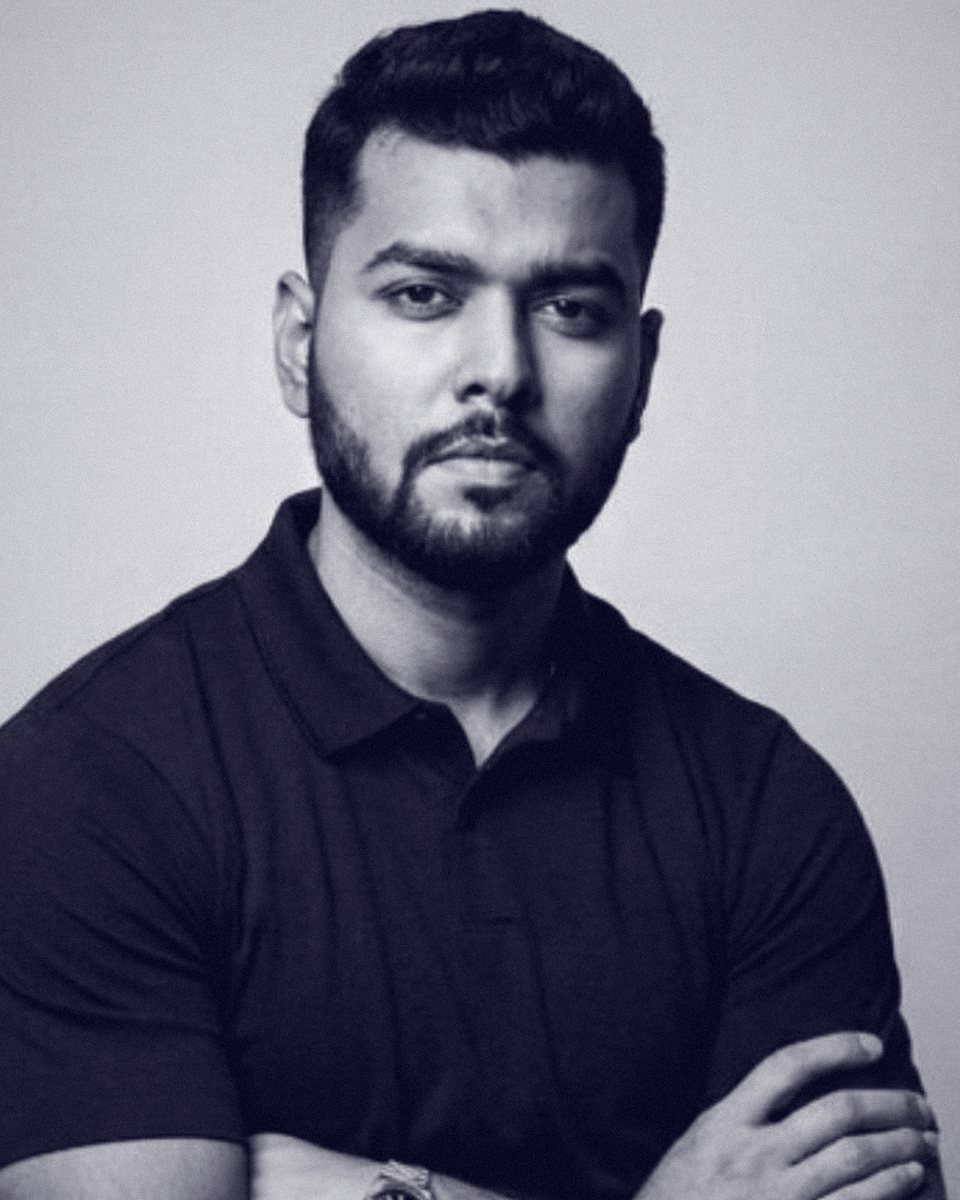 Vijay Kumar Nayak · Founder, Kyoren Worldwide
I'm a software engineer turned performance marketer. For more than seven years I've run growth for coaches, consultants and personal brands across India, the UAE, the US, Europe and Australia.
In that world, video is the bottleneck. Every client needs more of it, every editor is booked, and every week the bar for what counts as "good" goes up. So we stopped waiting and built a system where Claude does the cutting and the expert does the talking.
This course is that system, opened up for the first time.
Vijay
The next generation of personal brands won't be built by people who can edit. They'll be built by people who can direct.
Your knowledge deserves to be seen, not stuck behind an editing queue.
When the software is free, the edge is knowing what great looks like. We teach both.
Months of real edits went into this system. The community is where it keeps evolving.
No. You direct in plain English and follow along step by step. If you can describe the video you want, you can make it.
Path I runs entirely on free, open-source tools. Path II uses Claude Code, which needs a paid Claude plan. You choose.
Yes. ₹2,999 once gets you lifetime access to the course and every resource in it, with the community included. No subscription.
A two-hour core you can finish in an evening, plus the Effects Library: seventeen short lessons you return to whenever you need them.
Both. Where a step differs, we show both.
Coaches, consultants and personal brands starting or growing an Instagram page or YouTube channel who want studio-quality edits without an editor.
It's included with your one-time payment. It's where we go deeper on using Claude across your business and share new workflows as the tools evolve.
No. It's a digital course and your access is sent the moment you pay, so all sales are final. Everything you need to decide is on this page: the curriculum, real edits made with the system, and this FAQ. Still unsure? Email vijay@kyorenworldwide.com before you buy. If you're charged twice or don't receive access, we fix it or refund you in full.
THE LAST WORD